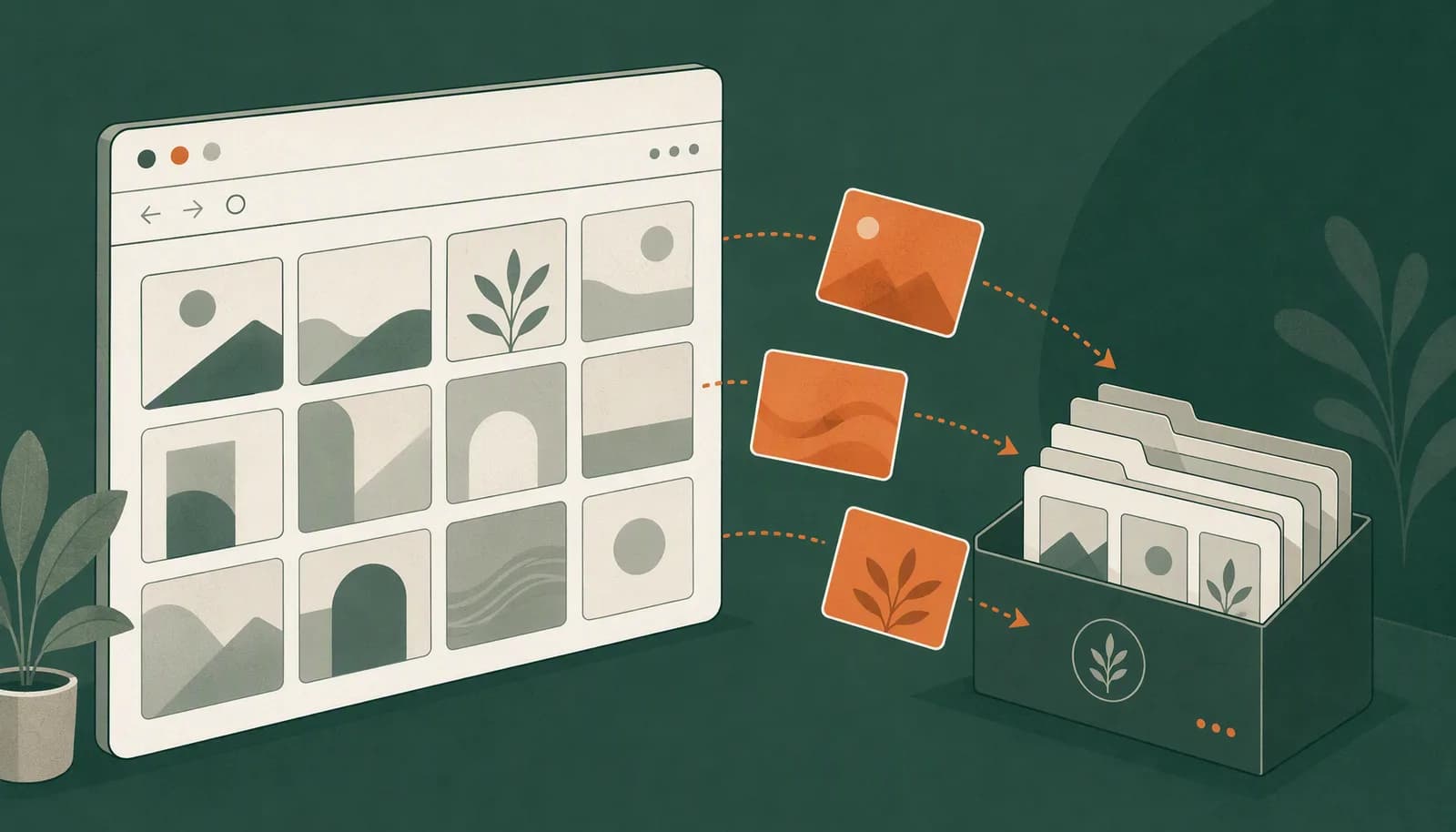

Saving an interesting Douyin video is only the beginning. A reference is useful when you can find it again and remember what you wanted to learn from it.
This guide covers the desktop version of douyin.com. Douyin and TikTok are separate websites; these instructions should not be treated as a claim of TikTok support.
Prepare your browser and extension
Use Chrome or Edge. Follow the installation guide to install Beav and verify its connection to the desktop app. Open the full video page, sign in on Douyin if required, and check that the video plays normally.
The Douyin downloader page links to the extension. This is an installed desktop tool, not an online form that downloads a video from a pasted URL.
Check the result immediately
- Let the post load and open the Beav extension.
- Use an available save action to select the media or text you need.
- Play the saved video to check picture and sound. For photo sets, check the image count.
- Keep the original link, the creator's name, and a short observation for later reference.
Quality and watermarks depend on the version available on the page. If the original post will not open, address that first. Repeating a download attempt cannot guarantee access to deleted or restricted content.
Organize references around a question
For a product introduction, you might study three things: how the opening establishes a problem, how the product is demonstrated, and what action the ending suggests.
Add a specific observation to each reference, such as “shows the finished result before explaining the steps.” That is more useful than a label like “good video.” Create your own explanation and use material you have permission to use rather than stitching together other people's work.
If the save action is missing
Check that you are on the full post page, the media has loaded, and the extension is enabled. Keep Beav running when a desktop connection is needed, then refresh the page. If the issue continues, note the page type and error message and consult the troubleshooting guide.
For image-based references, read the Xiaohongshu saving guide. When your references are organized, explore cover prompts for your own design.