
A cover should help a reader understand what the content is about. Before generating one, write down the topic and a clear headline. This gives you a more useful starting point than a long list of style adjectives.
The Beav cover prompt library includes example images and prompts. Examples help you understand a style; they do not guarantee the same result with every photo or headline.
Choose a template for the content
Look at the relationship between the headline, the subject, and the background. A talking-head cover, a tutorial, and a cafe photograph need different emphasis. A tutorial may depend on a clear title, while a photo-led post needs room for its subject.
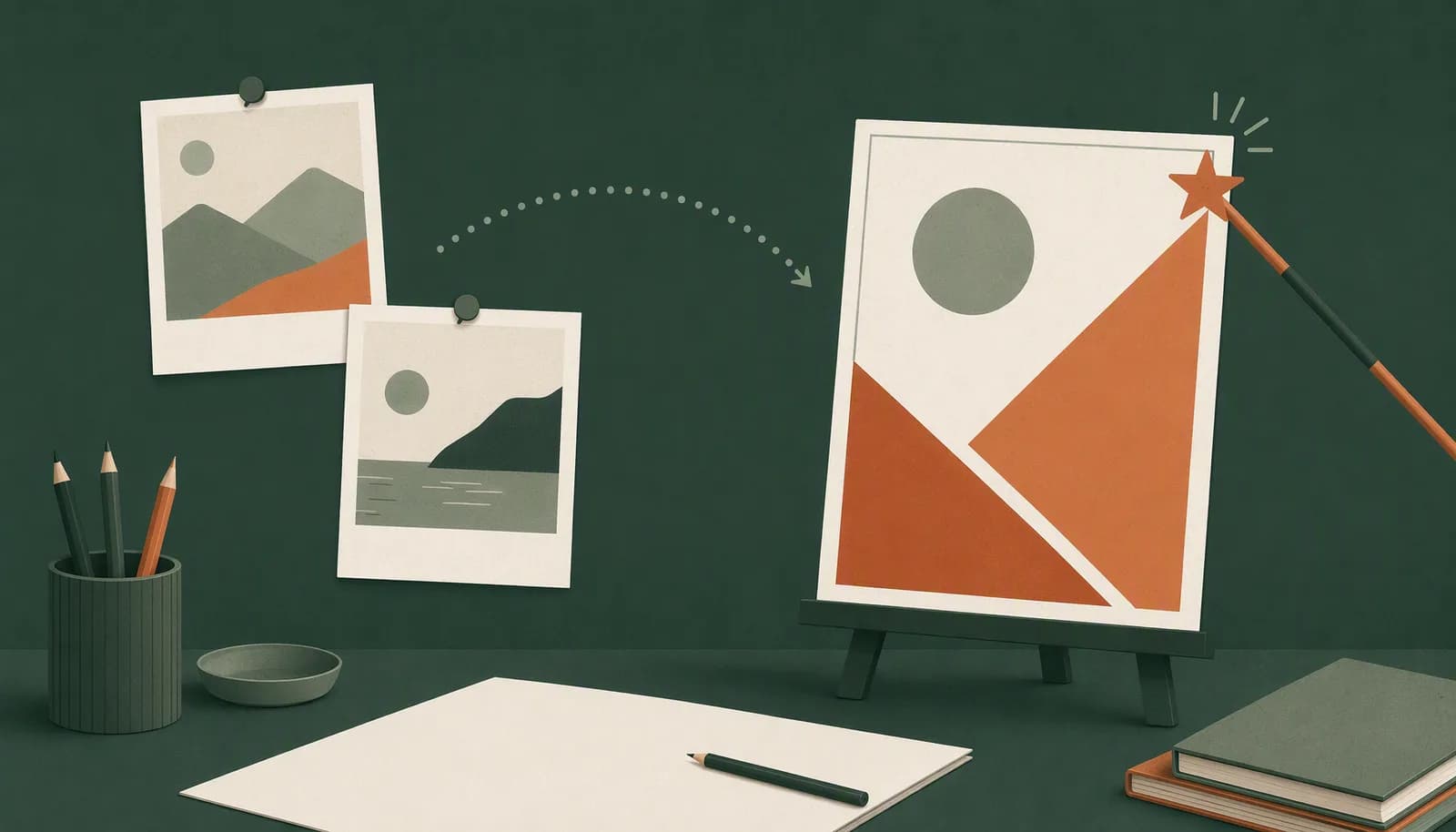
Pick a template that fits the material you have. Check how many reference images it needs and which text fields you should replace. Color alone is not enough to make a good choice.
Prepare your own text and images
- Describe the topic in one sentence, such as “Three things to check before your first pour-over coffee.”
- Choose clear reference images you have permission to use.
- Fill in the headline, supporting text, and reference images required by the template.
- Remove sample names, locations, or descriptions that do not apply to your topic.
If a headline is too long, simplify it before adjusting the layout. Putting the whole article on the cover makes the main point harder to see.
Change one obvious problem at a time
Open the template in Beav, add your material, and inspect the result. If the subject is too small, work on that first. If the headline is hard to read, check its length, contrast, and placement.
Changing the photo, title, color, and composition together makes it harder to tell which change helped. Keep a version you like before continuing.
Check four things before publishing
- Is the headline spelled correctly and consistent with the article?
- Are there obvious distortions in people, products, or backgrounds?
- Is the subject still clear when the image is reduced to a phone-sized preview?
- Does the destination platform crop important text or part of the subject?
Different publishing surfaces can display an image differently. Check the actual publishing preview rather than relying only on the editor view.
Keep a reusable record
Save the final image together with the prompt, headline, and reference images you used. For the next post in the same series, work from that version instead of describing the entire style again.
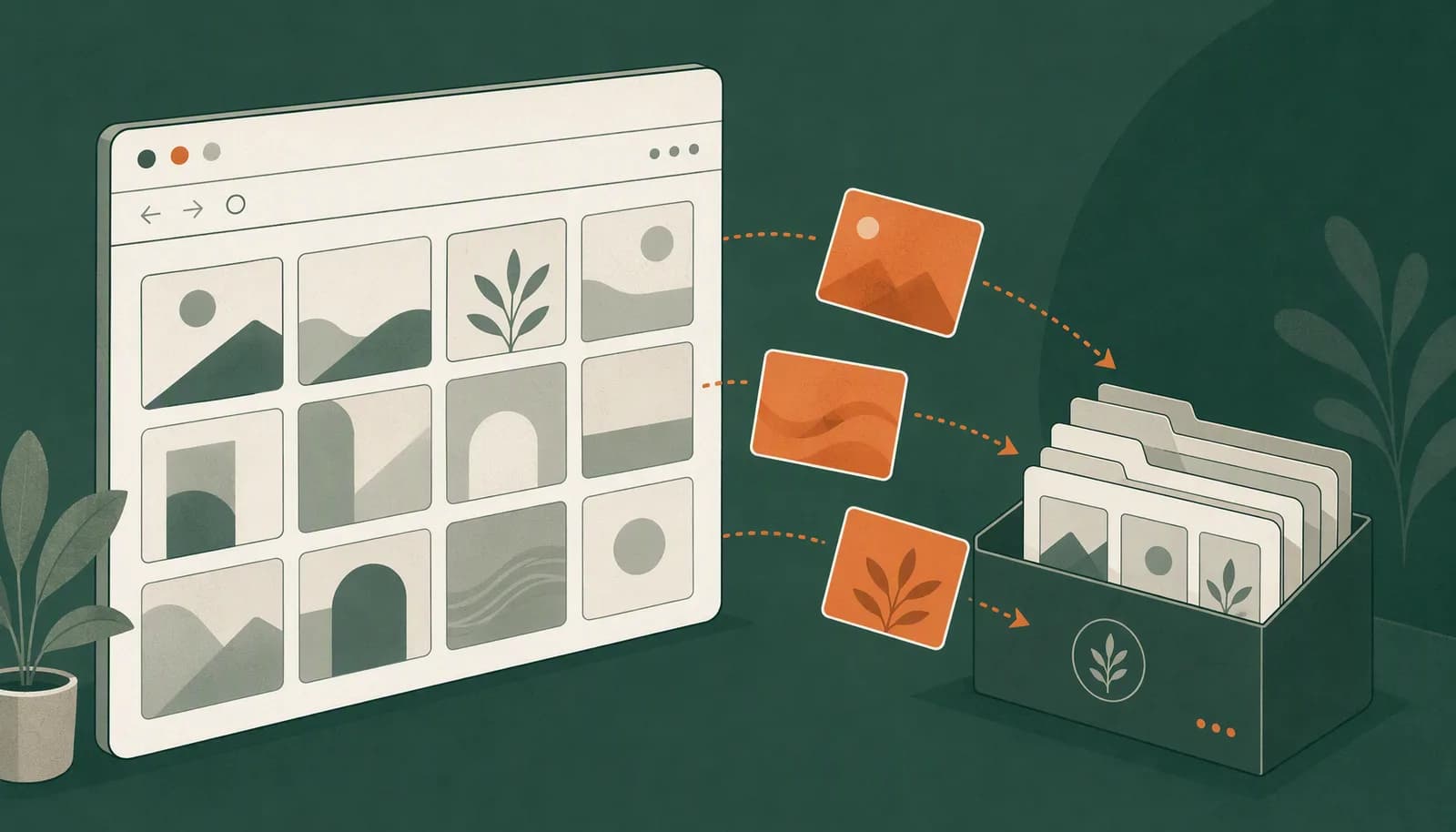
If you still need to organize references, start with the Xiaohongshu saving guide, then choose a template from the prompt library.